Quickstart
Install
pip install "traderharness[llm,data,ui]"
git clone https://github.com/HephaestLab/TraderHarness
cd TraderHarness
python -m venv .venv
.venv\Scripts\python.exe -m pip install -e ".[all]"
docker compose up --build
Install market data
traderharness data download --full
The installer verifies file size and SHA-256 against the release manifest before atomically replacing ~/.traderharness/dataset.
Run the no-key replay
traderharness demo
The cassette contains a recorded masked LLM trajectory. No API key is required; the engine still re-evaluates it against local canonical market data.
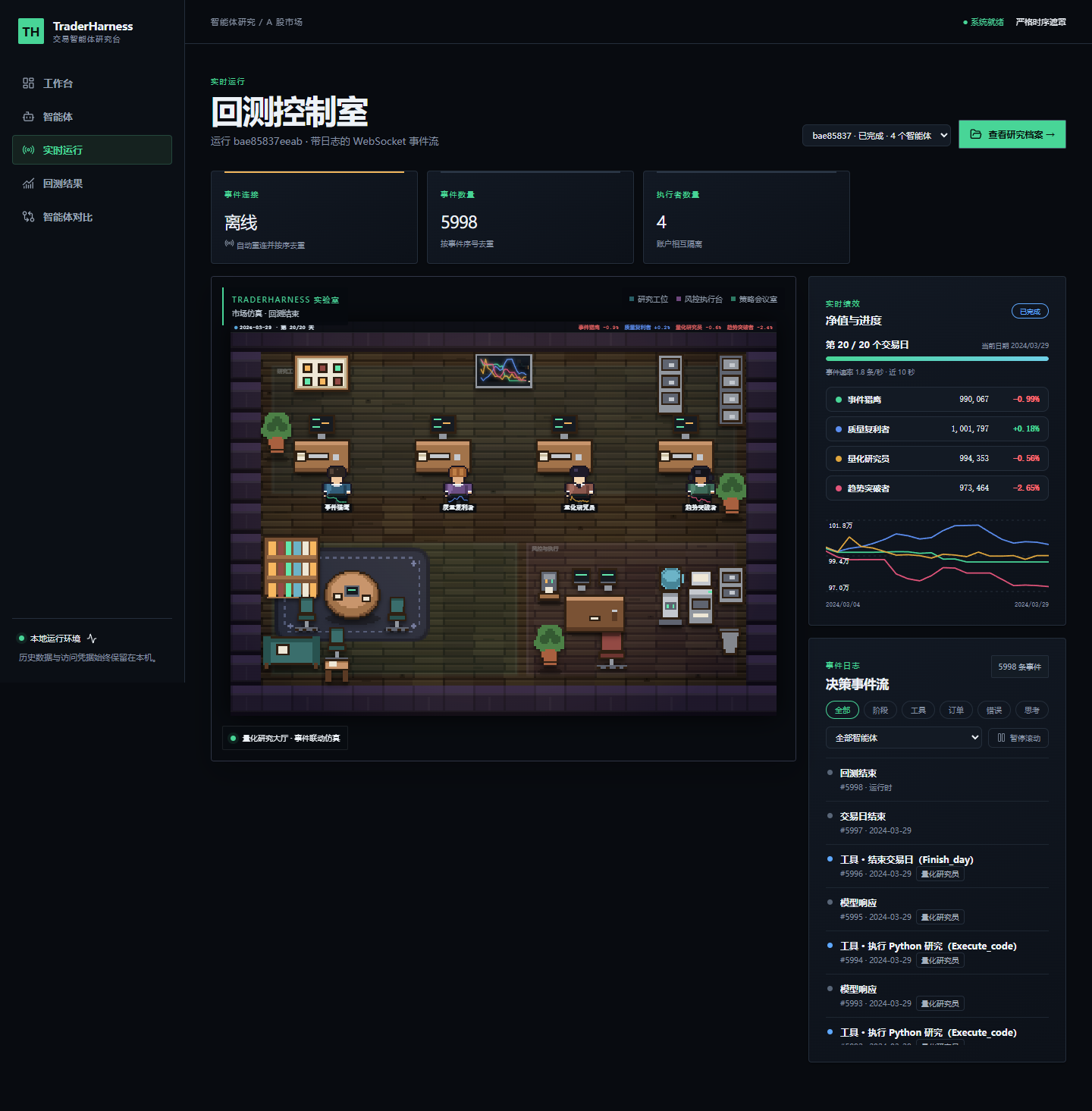
Open the research console
traderharness ui
Open http://127.0.0.1:8000. The service binds to loopback by default and rejects accidental public exposure unless explicitly enabled.
Run a fresh model agent
$env:DEEPSEEK_API_KEY="..."
traderharness run `
  --agent trend-breakout `
  --start 2024-03-04 `
  --end 2024-03-29 `
  --mask-entities
Compare the four built-in reference cards under one market clock and isolated portfolios:
traderharness compare `
  --agent trend-breakout `
  --agent quality-compounder `
  --agent event-hawk `
  --agent quant-researcher `
  --start 2024-03-04 `
  --end 2024-03-29 `
  --mask-entities `
  --output showcase
Add --record-replay cassette.jsonl to save a deterministic, leakage-auditable replay cassette.